
1.A tenant SMS with a photo arrives. Someone copies it by hand to a form and key details are lost.
Community Inbox
No more scattered tickets. One panel for the entire cooperative.
From first report to final closeout: one flow for operations, approvals, and documentation.
For administrators, technicians, and building managers in housing communities.
Live report feed
Report #204 · Block 8
CO alarm — intervention needed
Attachments
Image
Channels
Slack • SMS • Form
Conservator note
“Report received. Verification scheduled for 09:20.”
Location map
Wrocław, Poland
Problem
Daily reality for operations teams
Reports arrive fragmented across messages and channels, which delays response and creates uncertain ownership.
2.An email suggests a critical fault, but no one is sure who has the authority to approve work.
3.A photo in Slack confirms damage, but nobody knows the exact execution status or decision history.
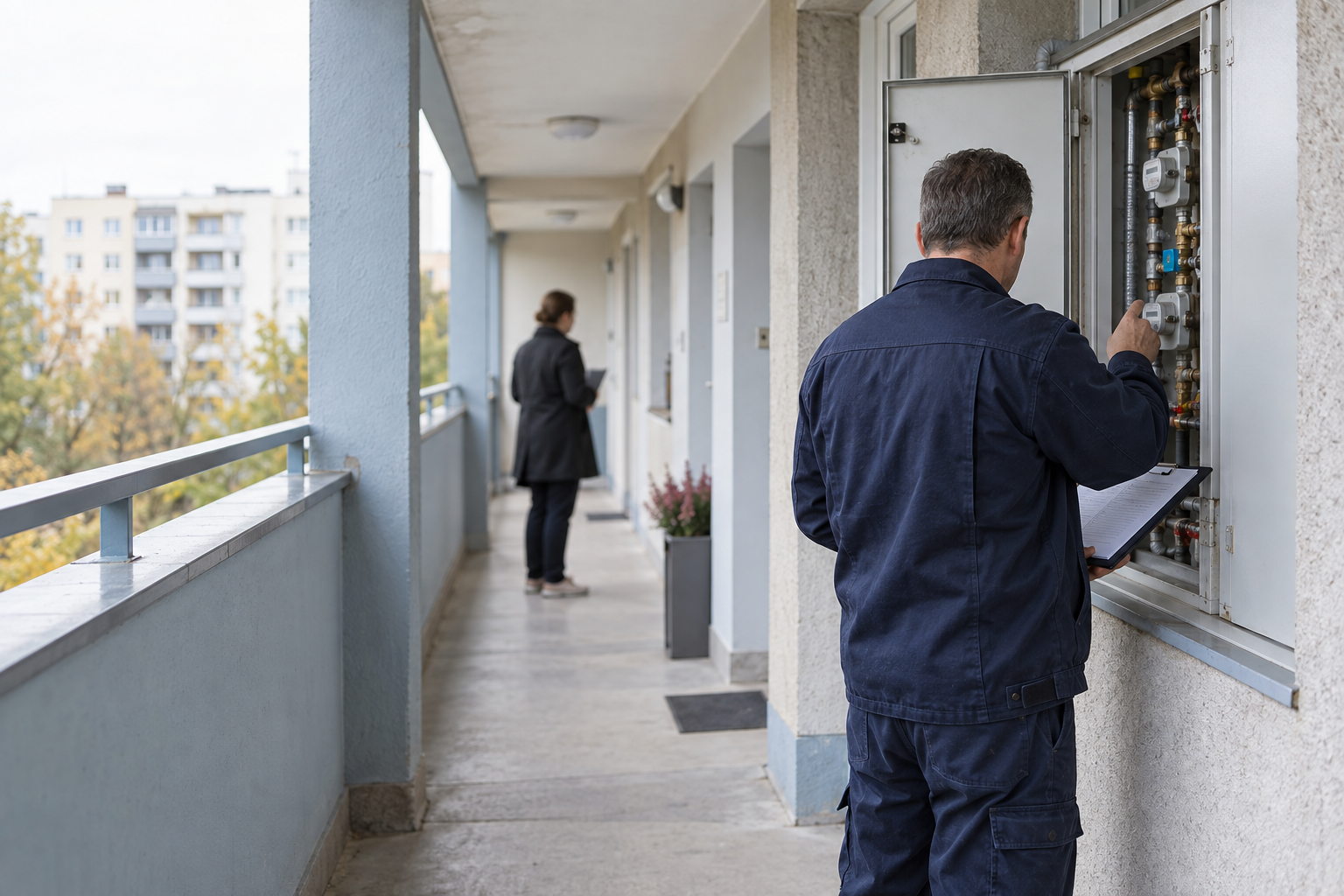
Field work
Information returns to the office with its context.
A technician does not need to reconstruct history from calls and messages. The case keeps the information needed to complete, verify, and hand over the work.
- Request, access details, and priority in one place
- Photos and notes attached to completed work
- A clear handoff point for verification
How it works
Report → Coordination → Repair → Documentation
1Next step →
Report arrives
Slack, SMS, form, or operator input lands in one queue with source context.
Read the guide →
2Next step →
Coordination
Coordinator verifies, sets priority, and assigns execution with required access details.
Read the guide →
3Next step →
Repair
Technician performs, updates status, and adds evidence from site.
Read the guide →
4Next step →
Contractor reports completion
They add a work note and photo documentation.
Read the guide →
5Next step →
Technician verifies
They review the work and can request additional information.
Read the guide →
6Complete
Case closed
Decisions, photos, and the completion record remain available for audit and handover.
Read the guide →
Decision stages
A resident report is enriched with photos, location, and conversation history.
Coordination
The technician sees scope, access, and timing while the manager approves without passing messages around.
Accessible documentation
Every step is recorded: photos, decisions, sign-offs, and a history ready for reconciliation.
Value by role
Same process, tailored outcome
Administrator
Keep approvals, costs, and readiness under control.
- ✓single queue with clear ownership
- ✓priority rules and approvals before dispatch
- ✓complete event trace for every decision
Technician
Receive only what is needed for execution.
- ✓full context and attachments in one card
- ✓task details and location updates before work
- ✓fast status updates from mobile or desk
Manager
Understand outcomes and evidence without asking for reports.
- ✓cleaner communication with residents and board
- ✓documented completion path
- ✓repeatable process for recurring incidents
Demo
See the process in action
Walk through one real scenario from intake through completion and closeout.
What you will see
- 1Incoming alert with source and attachments
- 2Coordinator assignment and repair decision
- 3Technician execution with location and photos
- 4Finalized documentation and status history
We focus on flows that are already implemented and available now.
Report verification
Process animation
Access assigned — technician heads to site.
Verification
Photo + status — ready for review.
Interface preview: timeline, media, approvals
+
FAQ
Questions from operations leadership
Not in a dedicated module yet. We prioritize operational closure first and integrate external sources where confirmed.
Yes. Attachments and event notes are preserved as part of the ticket timeline.
Yes. The workflow can be piloted for one entity before scaling across multiple sites.
Everyone sees the same source data while role-based views remain consistent with permissions.
Pricing
Simple pricing. No surprises.
Starter
80 PLN/ mo.
Billed monthly
- ✓Cloud hosted
- ✓Up to 5 team members
- ✓One channel (Slack or SMS)
- ✓Inbox & approval workflow
- ✓Email support
Pro
790 PLN/ mo.
Billed monthly
- ✓Cloud hosted
- ✓Unlimited team members
- ✓Slack + SMS + web form
- ✓Full workflow & event history
- ✓Priority support
Enterprise
Contact us
- ✓Self-hosted on your infrastructure
- ✓Dedicated onboarding
- ✓Team training
- ✓Technical support SLA
- ✓Custom integrations
Write to us: contact@gkk-dev.com
Join the waiting list
The product is in beta. Leave your email and we'll notify you when it launches.
Have questions or want a private demo? contact@gkk-dev.com